

Detail depends on size
Recognisable features, sculpted hair and clothing details give a figure its character. The 75 mm Mini is our smallest size; larger figures generally give fine details more room.
HOW FIGORY WORKS
Upload clear photos of a person, pet or supported vehicle. Review each stage before you move on, then choose a physical figure only when you are happy with the result.
Create yoursAN ILLUSTRATED JOURNEY
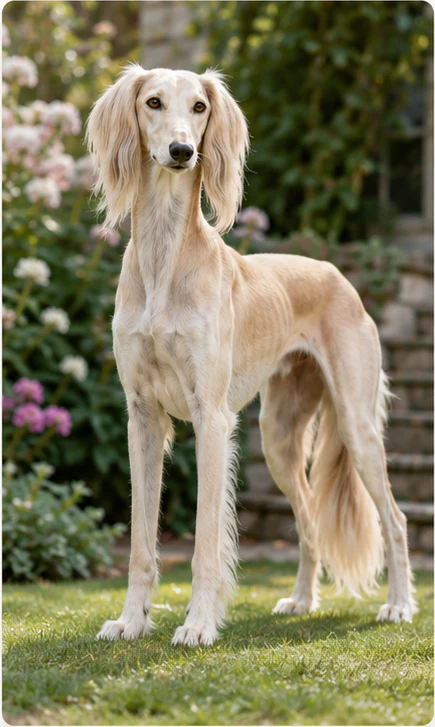
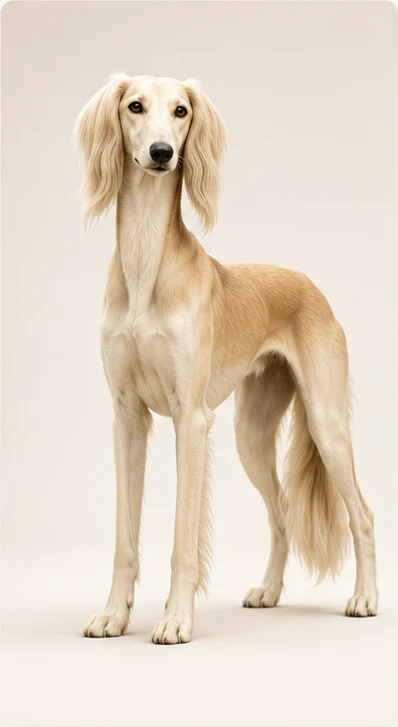
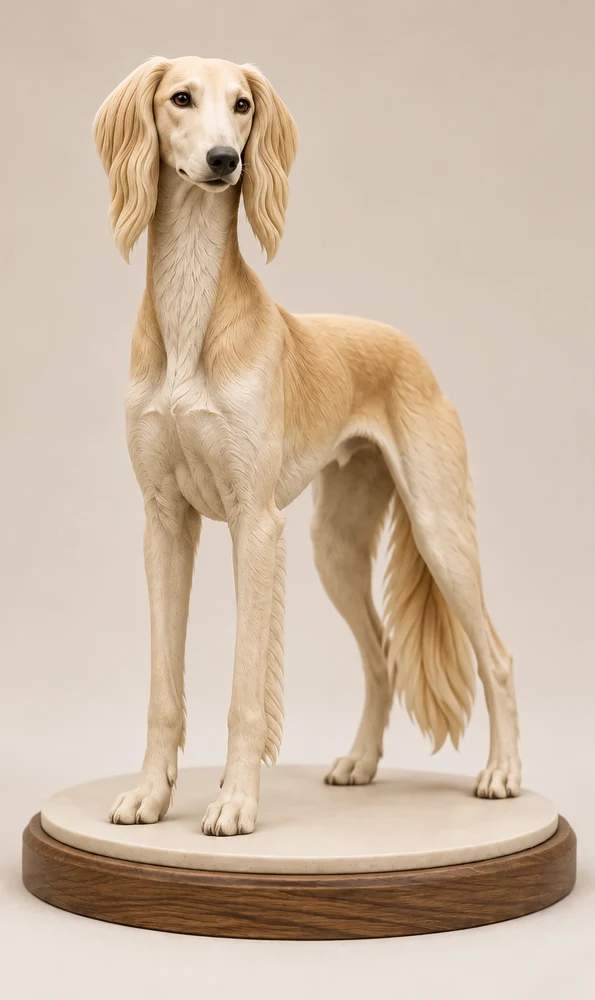
This pet journey shows how a favourite photo becomes a digital double and a 3D-ready figure.
THE PROCESS
Each stage is designed to give you a clear decision before you continue.
Share clear photos of one person, pet, car or other supported vehicle. Front and alternate angles help.
Review a clean, full-body likeness before making further decisions.
If you want, choose a supported look, pose, accessories and base.
Inspect your 3D model before selecting a display size and continuing to order.
Choose your preferred display size before ordering. Size refers to the approximate longest overall dimension of your finished figure.
Usually delivered within 3–4 weeks of model approval. Your Figory is made to order and personally quality checked by Figory before being carefully packed and dispatched with free UK tracked delivery.
For a standing person this will usually be the height; for a pet it may be the length.
MADE MINIATURE
A Figory captures the character of your subject in a small display model. It is a miniature interpretation, not a photorealistic replica.
Recognisable features, sculpted hair and clothing details give a figure its character. The 75 mm Mini is our smallest size; larger figures generally give fine details more room.
Printed colour and surface finish can differ from the digital image. Review your 3D design before choosing a size.
Start with clear photos, choose a style and review the likeness and details before ordering your figure.
Before payment, you’ll approve the final print-model preview. Because each physical Figory is made for you, there is no change-of-mind refund for details visible in the approved model. Your statutory rights still apply if the figure is damaged, defective, incorrect or materially different. Read the physical-order terms.
Read about print finish and detail